We've all been there
You're scrolling TikTok and stumble on the most incredible-looking pasta dish. The creator moves fast, rattles off ingredients while tossing things into a pan, and 45 seconds later the video ends. You want to make it, but you have no idea what half the ingredients were, let alone the quantities.
Sound familiar? You're not alone. TikTok has become one of the biggest sources of recipe inspiration in the world, but the short-form video format makes it almost impossible to actually follow along in the kitchen. Here's the typical struggle — and how to fix it.
The old way: pause, rewind, guess
Most people try one of these approaches when they find a cooking TikTok they like:
Pause and screenshot — You tap through frame by frame trying to catch the ingredient list. Half the time it's blurry or partially obscured.
Read the comments — Sometimes the creator posts the recipe in the comments, but it's buried under hundreds of replies. And often it's not there at all.
Check their bio link — Some creators link to a blog, but you end up scrolling through a 2,000-word SEO article to find the actual recipe at the bottom.
Wing it — You try to recreate it from memory, eyeballing quantities. Results vary.
The better way: let AI watch the video for you
What if you could just paste the TikTok link and get back a clean, organized recipe? That's exactly what Meals From Reels does. It uses AI to analyze the entire video — watching every frame, listening to the narration, reading any on-screen text — and produces a complete recipe with:
- 1. Every ingredient with quantities and measurements (no more guessing "a pinch" vs "a tablespoon")
- 2. Step-by-step cooking instructions in the correct order, written clearly
- 3. Full nutrition breakdown — calories, protein, carbs, fat, fiber per serving
- 4. A shopping list you can check off as you shop
How it works
Getting a recipe from a TikTok video takes about 30 seconds:
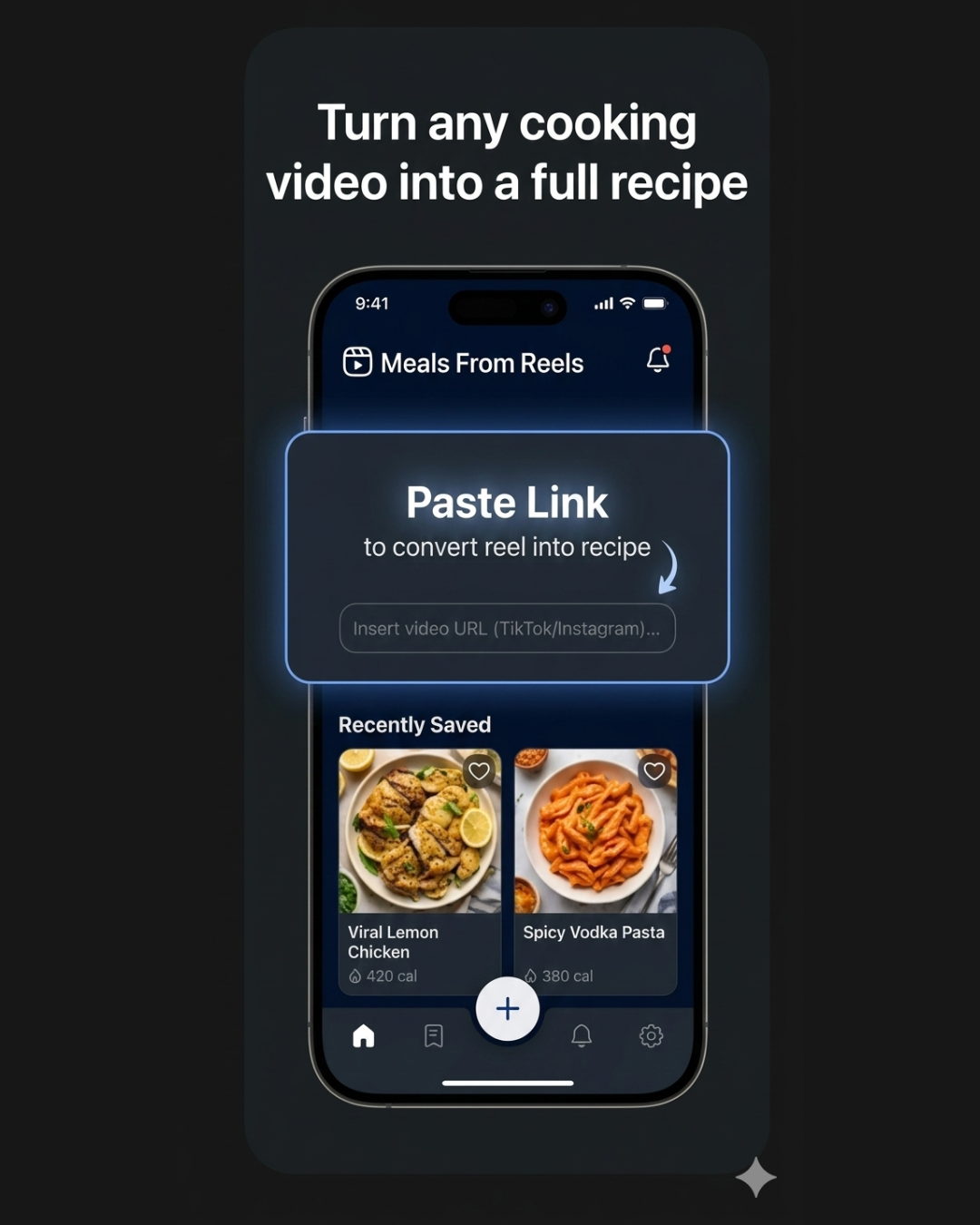
Copy the TikTok link
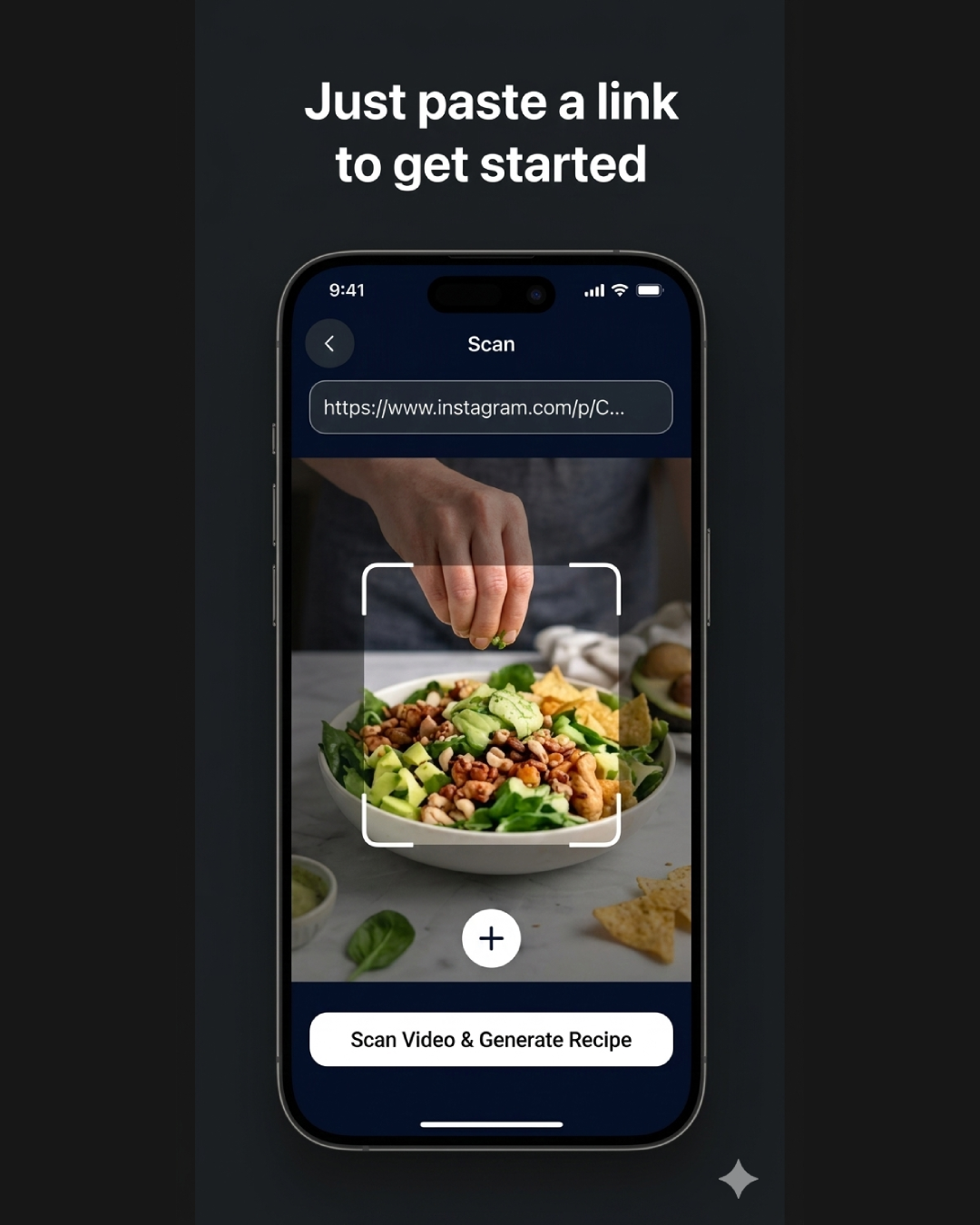
Paste it in the app
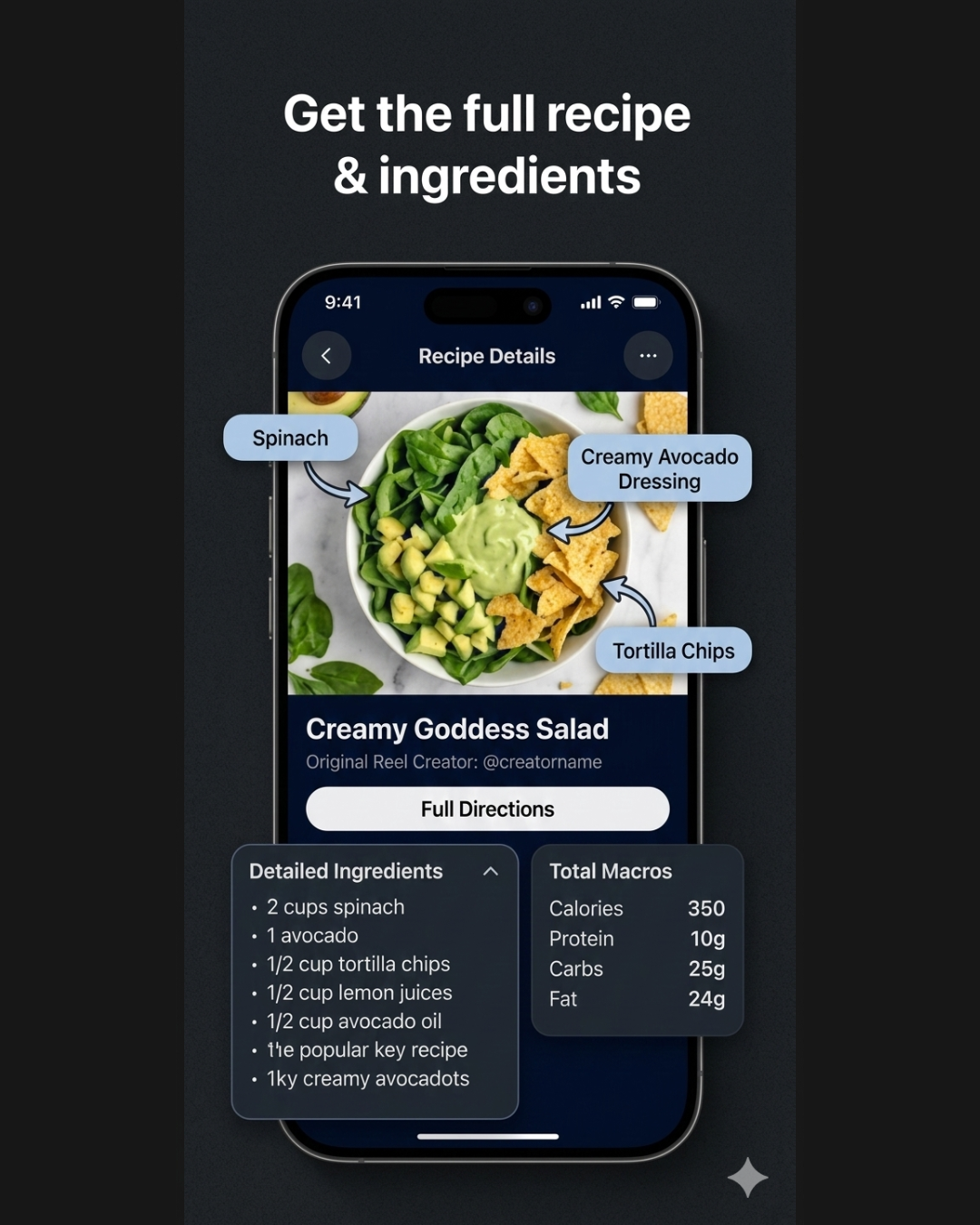
Get your recipe
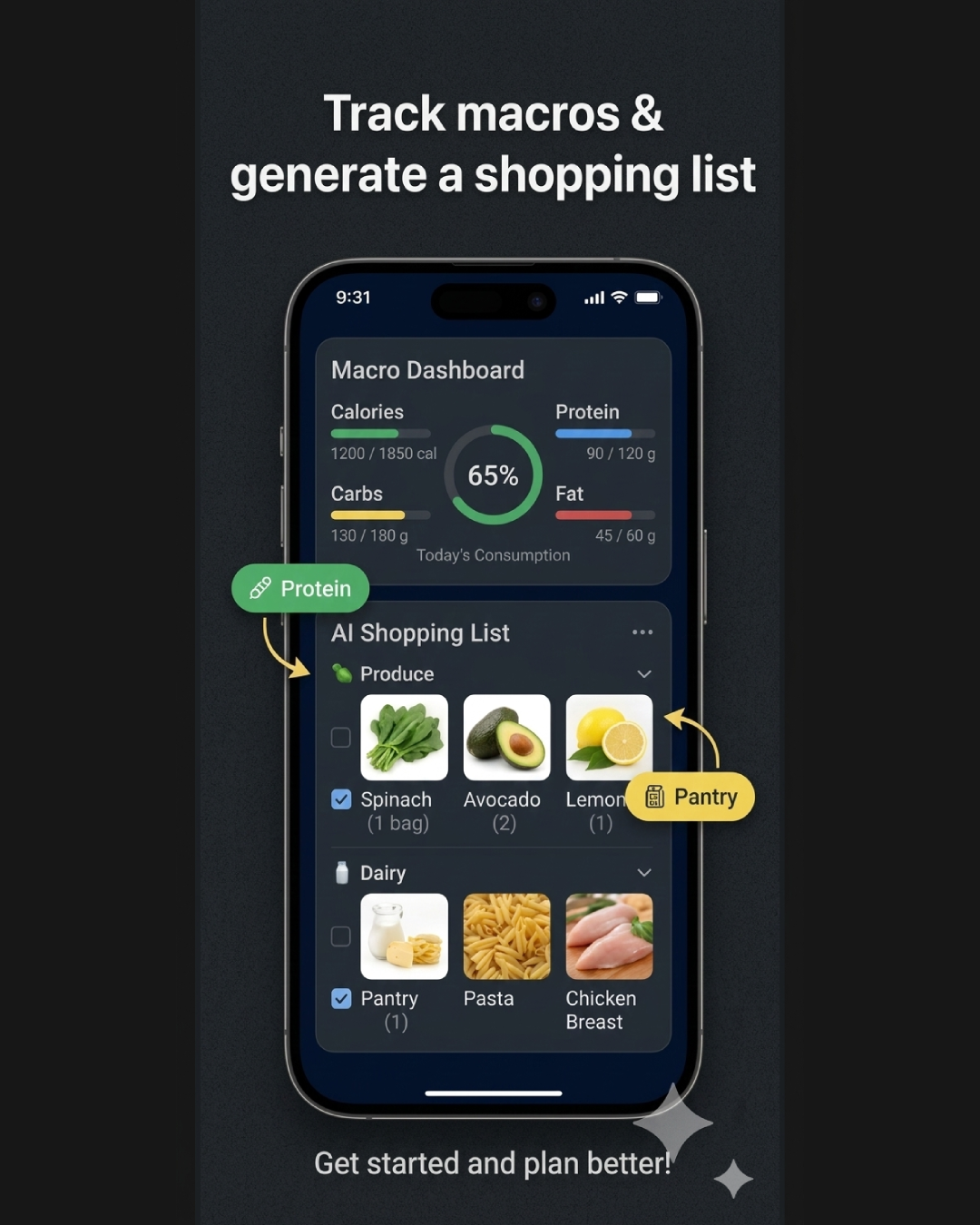
Track macros & shop
What makes this different from transcription tools?
Generic video-to-text tools just transcribe the audio. That gives you a jumbled block of text that still needs heavy editing to become a usable recipe. Meals From Reels is purpose-built for cooking videos — the AI understands cooking context, recognizes ingredients visually (even when they're not mentioned out loud), estimates quantities from what it sees, and structures everything into a proper recipe format.
It also works when the creator doesn't narrate at all. Many TikTok cooking videos use trending audio instead of voiceover. The AI watches what's happening on screen and identifies ingredients and techniques from the visuals alone.
Works with Instagram Reels and YouTube Shorts too
The same approach works across platforms. If you find a cooking reel on Instagram or a recipe Short on YouTube, just paste the link. The AI handles TikTok, Instagram Reels, YouTube Shorts, and Facebook videos — so all your cooking video inspiration is covered in one app.
Quick recap
- Copy a TikTok cooking video link
- Paste it into Meals From Reels
- Get a full recipe with ingredients, steps, and nutrition in seconds
- Save it, build a shopping list, or plan your meals for the week